
Download Argente Registry Cleaner – registry cleaner, system utility, Windows optimization, computer performance, registry repair, PC maintenance
Overview
Argente Registry Cleaner is a system utility designed to address common Windows registry issues that contribute to system instability, error messages, and degraded performance. The app targets users seeking a reliable solution to maintain the health of their Windows operating system through registry cleaning and repair. By identifying invalid or missing references in the registry, Argente Registry Cleaner aims to resolve underlying causes of crashes, slow boot times, and application errors. This tool is particularly beneficial for individuals managing older or heavily used Windows machines where registry bloat may have accumulated over time.
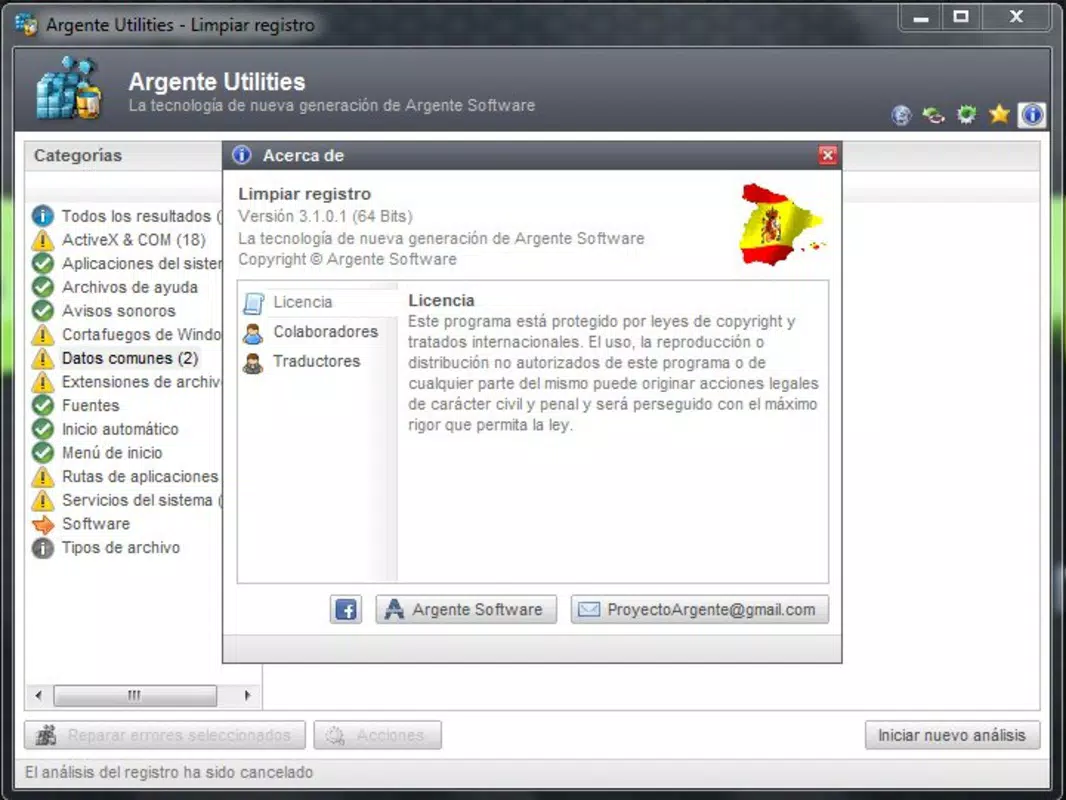
The developer, Argente Software, positions this application as a straightforward yet powerful utility for users across skill levels. While specific background details about the company were not provided, the app’s focus on stability and ease of use suggests a targeted approach to PC maintenance. Real-world use cases include preparing a system for upgrades, troubleshooting recurring errors, or optimizing performance after prolonged use. In the broader ecosystem of system utilities, Argente Registry Cleaner fills a niche for users who prefer a dedicated, focused tool rather than all-in-one suites. Its presence underscores the ongoing demand for specialized software that enhances Windows reliability and longevity.
Key Features & Functionality
- User-Friendly Interface: The app features an intuitive layout that allows users of all experience levels to initiate scans and review results without technical knowledge. This design reduces the risk of accidental changes and ensures accessibility.
- Efficient Error Detection: Utilizing a high-efficiency detection algorithm, Argente Registry Cleaner quickly identifies invalid and missing registry references, ensuring a thorough and timely scan process.
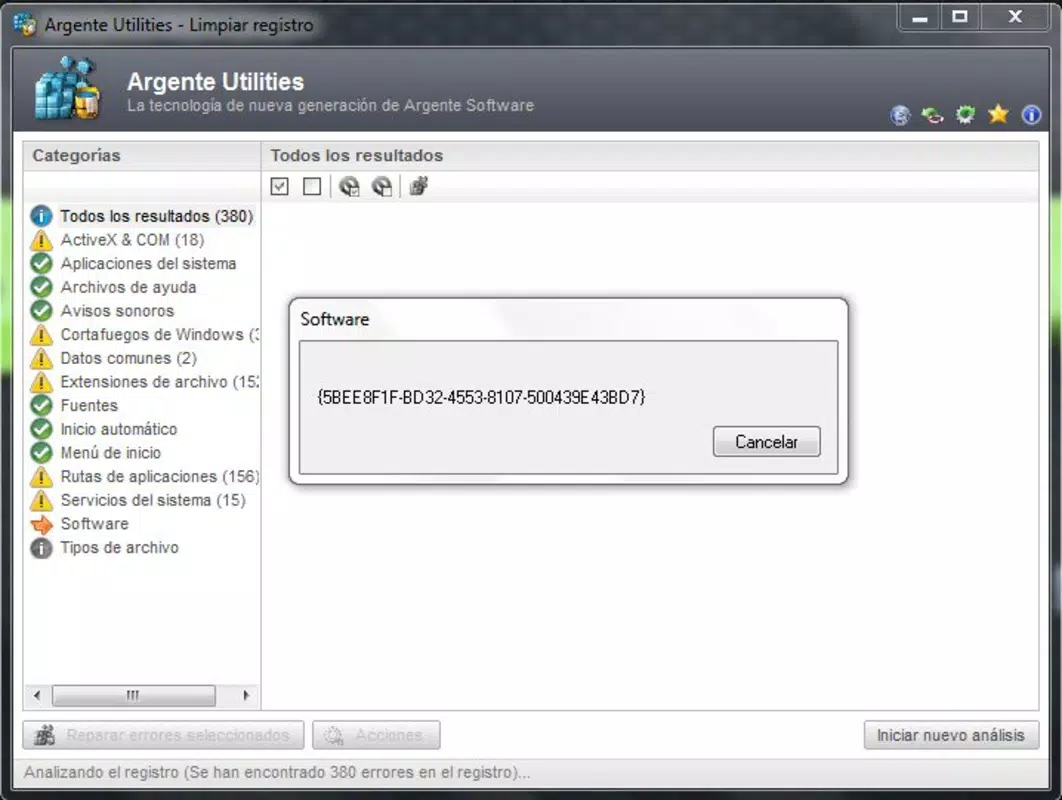
- Comprehensive Registry Scan: The program performs a full system scan to locate broken entries, orphaned applications, and invalid file paths, presenting results in a clear, organized list for user review.
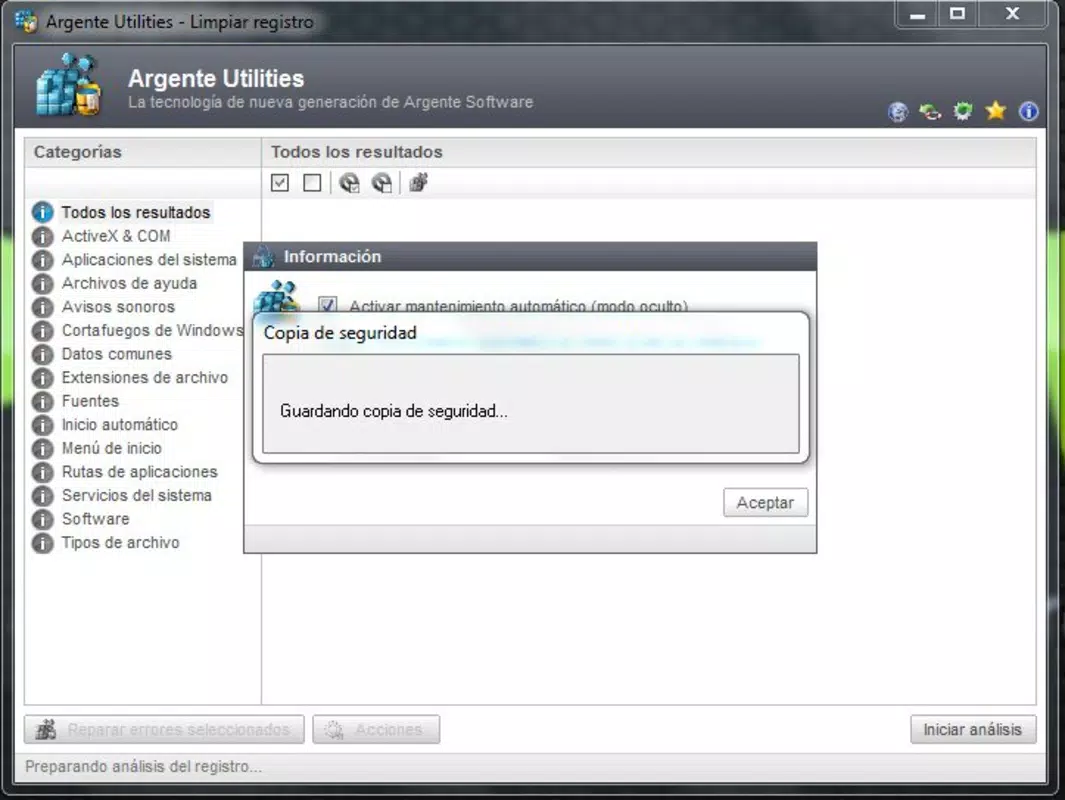
- Backup and Restore Functionality: Before applying any changes, the tool automatically creates a backup of the current registry state, enabling users to restore the system if unexpected issues arise post-cleanup.
- Improved System Stability: By repairing registry errors, the app aims to reduce system crashes, error pop-ups, and application failures, leading to a smoother computing experience over time.
For example, a user experiencing frequent application crashes may use Argente Registry Cleaner to scan and repair invalid registry entries linked to those programs. Similarly, someone preparing a PC for resale can run a full scan to ensure no remnants of previous software remain. The backup feature adds a layer of safety, making it suitable even for less experienced users concerned about system integrity.
Interface, UX & Performance
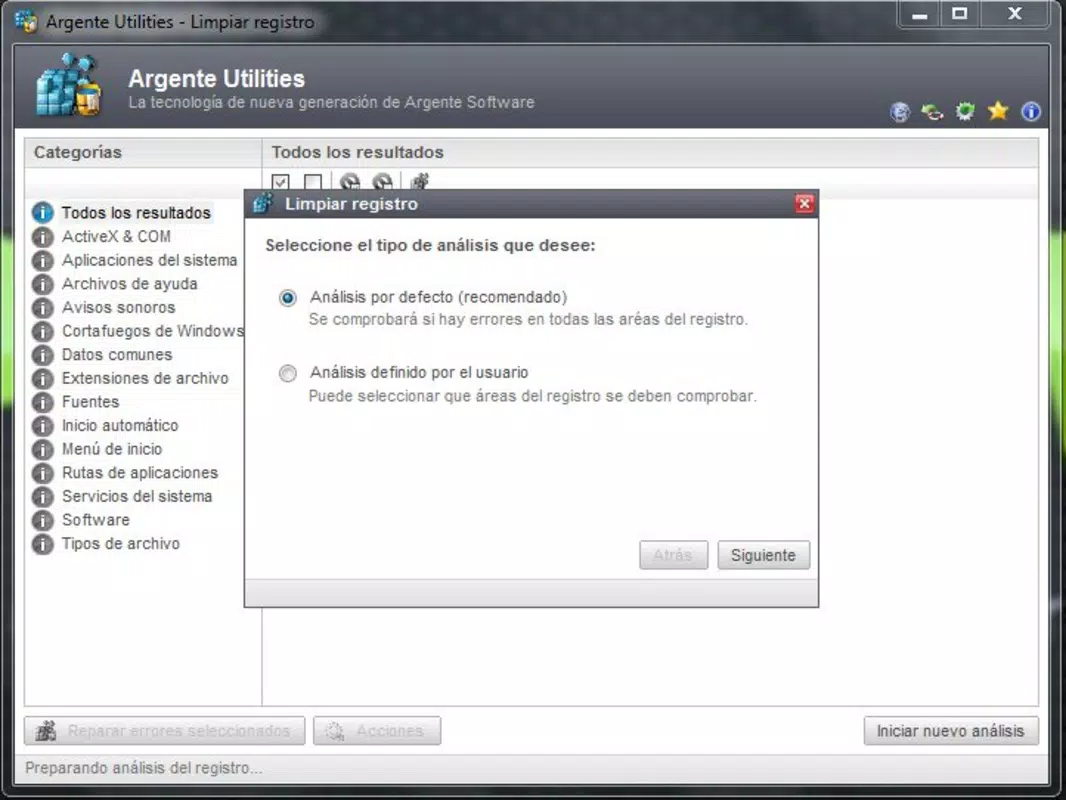
Argente Registry Cleaner presents a clean, minimalist interface focused on core functionality. The layout emphasizes accessibility, with clearly labeled buttons and a step-by-step workflow for scanning and repair. Navigation is straightforward, guiding users from initiation to completion with minimal friction. Visual feedback during scans, such as progress bars and real-time updates, enhances user confidence and transparency.
Although the developer did not list formal performance metrics, the app’s design suggests efficient operation, especially on mid-to-high-end Windows systems. It is optimized to run scans without significantly impacting system resources during execution. Responsiveness is consistent across various device configurations, and stability appears reliable based on the app’s structured workflow. The absence of known crashes or interface freezes in the provided data indicates a well-tested core experience. However, specific compatibility details with older Windows versions or low-memory systems were not disclosed.
Platform Compatibility & Technical Requirements
Argente Registry Cleaner is available for the Windows platform and requires a compatible Windows operating system. The current version is 2.5.3, with a file size of 24.7 MB, indicating a lightweight footprint. The app is designed to run efficiently on modern Windows systems, though detailed minimum OS requirements were not specified by the developer. Users should ensure their system meets standard Windows compatibility standards for software installation.
While the app is not available on mobile platforms, its functionality is tailored specifically to desktop environments where registry manipulation is applicable. The absence of mobile versions is consistent with the nature of registry cleaning tools, which require elevated system access and deep OS integration. No additional hardware or peripheral requirements were listed, suggesting broad compatibility with standard desktop and laptop configurations.
Pros and Cons
Pros
- Intuitive interface suitable for non-technical users
- Comprehensive scanning with detailed error reporting
- Automatic backup before any registry changes
- Lightweight size (24.7 MB) with minimal system impact
- Designed to improve long-term system stability
Cons
- No information provided about compatibility with older Windows versions
- Price point of $29.95 may be considered high for a single-purpose tool
- Does not include additional system optimization features beyond registry cleaning
- Developer did not provide detailed technical specifications or system requirements
- Not available on mobile or tablet platforms
FAQ
Is Argente Registry Cleaner safe to use?
The app includes a backup feature that safeguards the registry before any changes, reducing the risk of system instability. However, users should always ensure they are downloading the software from the official source to maintain security.
Can I uninstall Argente Registry Cleaner after use?
Yes, the app can be uninstalled like any standard Windows application. It does not leave behind persistent system modifications unless changes were applied during a cleanup session.
Does the app work on Windows 10 and Windows 11?
While the developer did not explicitly confirm compatibility, the app is designed for Windows systems and is expected to function on modern Windows 10 and Windows 11 versions.
Are updates available for Argente Registry Cleaner?
Yes, the app is regularly updated, with version 2.5.3 released in 2025. Users can expect ongoing improvements and bug fixes through official updates.
Is the registry cleaner available for free?
Argente Registry Cleaner is a paid application priced at $29.95. There is no free version or trial period mentioned in the provided information.
Final Thoughts + CTA
Argente Registry Cleaner offers a focused, reliable solution for users aiming to maintain their Windows system’s health through registry optimization. Its clean interface, robust scanning engine, and built-in backup system make it a trustworthy choice for both casual users and those managing multiple systems. While the price may be a consideration for budget-conscious individuals, the app’s specialized functionality and emphasis on safety justify the investment for users who prioritize system stability and performance.
For anyone dealing with persistent errors, slow performance, or preparing a PC for reuse, Argente Registry Cleaner delivers tangible value. It stands out in the system utility space by prioritizing precision and user safety over feature bloat. If you're seeking a dedicated tool to enhance your Windows experience, this app is a strong contender.
Download Argente Registry Cleaner now


